Beginner · 3 Months or 6 Months
Graphic Design
Turn your creative ideas into practical design skills.
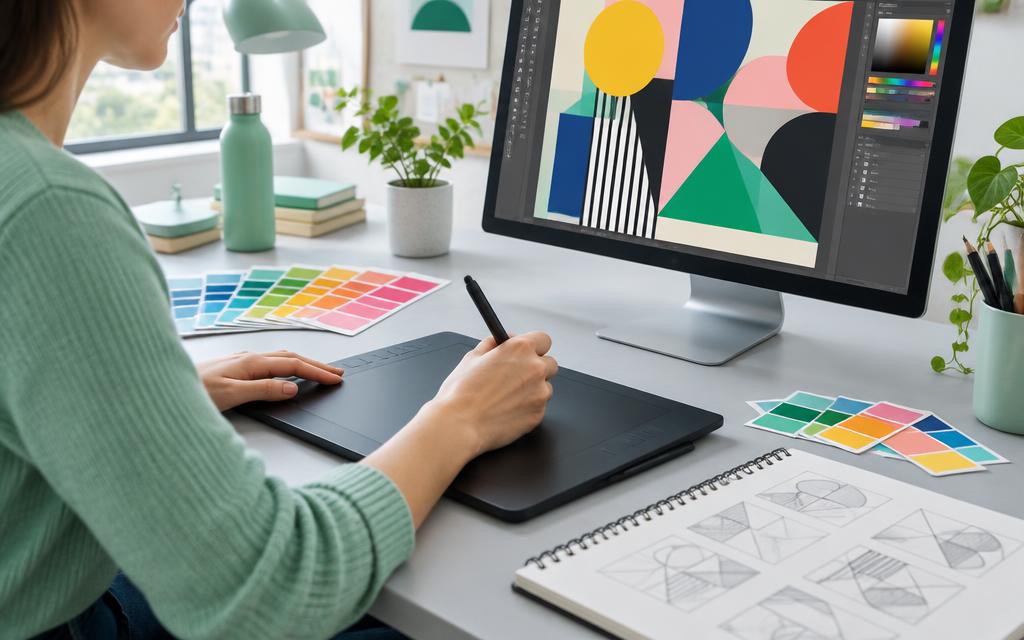
Learn to create logos, social media posts, flyers and brand materials using Adobe Photoshop, Adobe Illustrator and Canva. This beginner-friendly course combines design principles with practical projects to help you create clear, attractive designs for digital platforms and print.
What You Will Learn
Graphic Design Fundamentals
- Understand colour, typography, layout and visual balance.
- Choose suitable fonts, images and colour combinations.
- Arrange content to make designs clear and easy to read.
- Understand image resolution, file formats and design dimensions.
- Follow a design brief and develop ideas for different audiences.
Adobe Photoshop
- Use essential tools, layers, selections and masks.
- Crop, resize and improve photographs.
- Remove backgrounds and make basic image corrections.
- Combine text and images for promotional designs.
- Create social media posts, banners and thumbnails.
- Export artwork for online use and print.
Adobe Illustrator
- Create and edit vector graphics.
- Work with shapes, paths, colours and typography.
- Use drawing tools to develop original artwork.
- Design logos, icons and simple illustrations.
- Prepare business cards, flyers and stationery.
- Save editable files and export designs in suitable formats.
Canva
- Create designs using templates and custom layouts.
- Design social media posts, stories, presentations and posters.
- Customise fonts, colours and images for a consistent style.
- Resize and adapt designs for different platforms.
- Organise reusable designs and export finished artwork.
Branding & Print Design
- Understand the purpose of a brand identity.
- Develop consistent colours, fonts and visual styles.
- Create matching business cards, letterheads and promotional materials.
- Understand basic print requirements, including margins, bleed and colour modes.
- Use images, fonts and other assets responsibly.
Choose Your Course Duration
3-Month Course
- Introduces essential tools in Photoshop, Illustrator and Canva.
- Covers basic photo editing, logos, social media posts and flyers.
- Focuses on short practical assignments and a small collection of completed designs.
- Suitable for learners seeking an introduction to graphic design.
6-Month Course
- Builds on the essentials with more guided practice and detailed projects.
- Includes more detailed image editing, vector artwork and coordinated brand materials.
- Provides more time for developing ideas, improving designs through feedback and building a broader portfolio.
- Suitable for learners who want a gradual learning pace and additional project experience.
Practical Projects
Apply your skills by creating a business logo, social media post series, promotional flyer, business card, YouTube thumbnail and a simple brand identity project.
Who Can Join?
This course is suitable for students, beginners, small business owners, content creators and anyone interested in visual communication. No previous design experience is required. Basic computer skills are helpful.
Skills You Can Use
By the end of your chosen course, you will be better prepared to create everyday marketing materials, prepare designs for digital and print use, and present your work in a beginner portfolio.
Ready to start designing?
Apply now or contact our admissions team to choose your 3-month or 6-month course.