
Beginner · 1 Month
Video Editing
Turn your footage into engaging videos.
Learn the basics of editing reels, YouTube videos and promotional content using professional video editing tools. This practical, beginner-friendly course introduces the editing process—from organising footage to exporting a finished video.
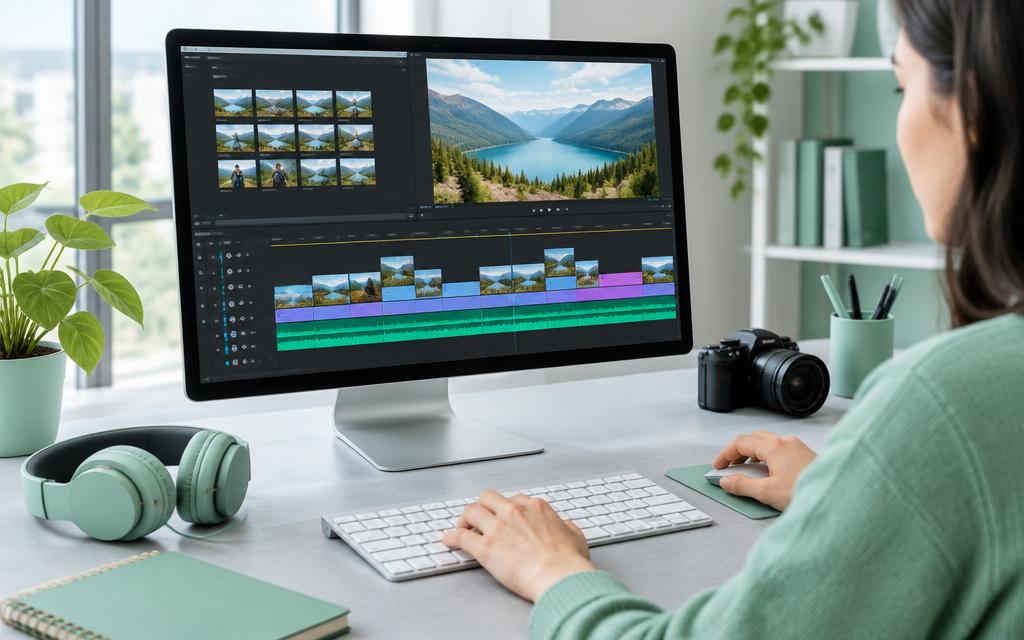
What You Will Learn
Video Editing Fundamentals
- Understand the editing workspace and timeline.
- Import and organise video clips, images and audio.
- Understand resolution, frame rates and aspect ratios.
- Plan a simple video sequence with a clear purpose.
Cutting & Arranging Footage
- Trim, split and arrange clips.
- Remove mistakes, unwanted footage and long pauses.
- Create smooth cuts and use transitions appropriately.
- Adjust clip speed for simple slow-motion and fast-motion effects.
Reels & YouTube Videos
- Create vertical videos for reels and short-form content.
- Edit horizontal videos for YouTube.
- Improve pacing to keep your content focused.
- Add supporting footage and images to strengthen your message.
Text, Titles & Captions
- Add titles, subtitles and captions.
- Choose readable fonts, colours and text placement.
- Create simple opening titles and closing screens.
- Keep important text within suitable screen areas.
Audio & Colour Basics
- Balance speech, background music and sound effects.
- Apply audio fades and reduce basic background noise.
- Adjust brightness, contrast and white balance.
- Maintain a consistent appearance across clips.
- Use original or properly licensed music and other assets.
Exporting Your Videos
- Choose suitable export settings for different platforms.
- Balance video quality and file size.
- Check sound, captions and picture quality before exporting.
- Organise project files for future changes.
One-Month Learning Plan
Week 1
Editing workspace, importing footage and basic cuts.
Week 2
Video sequencing, transitions, titles and captions.
Week 3
Reels, YouTube editing, audio and colour adjustments.
Week 4
Promotional video project, review and final export.
Practical Projects
Practise your skills by editing a short reel, a simple YouTube video and a brief promotional video for a product or business.
Who Can Join?
This course is suitable for students, content creators, small business owners and beginners interested in video editing. No previous editing experience is required. Basic computer skills are helpful.
Skills You Can Use
By the end of the course, you will be better prepared to complete basic video edits, add clear captions, improve sound and picture quality, and export content for online platforms.
Ready to create your first video?
Apply now or contact our admissions team for upcoming batch details.